Operations and Automation for Healthcare Practices: Where to Start
Healthcare practices with five to fifty staff often run smoother clinically than administratively. Doctors, nurses and allied health professionals are trained for patient care. Nobody trained the front-desk team for the volume of scheduling, confirmations and paperwork that keeps landing on their desk.
This is not a clinical problem. It is an operational one, and it responds to the same discipline Claro Builds applies to any service business: fix the process before touching the technology.
The front desk carries too much
In many small and medium practices, one or two people at the front desk handle appointment booking, walk-in triage, reminder calls, rescheduling, medical aid queries and no-show follow-up, all at once, all day. When a phone rings during check-in, something gets missed. When a patient does not arrive, nobody has time to call and find out why, so the slot sits empty and the pattern repeats the following week.
This is not a staffing failure. It is a process gap. The tasks a front desk performs are administrative and repetitive by nature: confirm an appointment, send a reminder, log a no-show, flag a patient for follow-up. Each one is well suited to structure and automation, once the underlying process is defined clearly enough to automate.
Referrals go missing between systems
Referral tracking is another common bottleneck. A practice refers a patient to a specialist, or receives a referral in, and from that point the record often lives in three places: a paper note, an email thread and whatever the practice management system captures. Nobody owns the full picture, so referrals fall through. A patient is never followed up. A referring practice never receives an update. Both sides assume the other is handling it.
None of this is about clinical judgement. It is about whether a referral has a clear owner, a clear next step and a way to see its status without asking three different people.
Records get duplicated, not lost
The third pattern shows up in administrative records: patient details entered once on a paper intake form, again into the practice management system, and sometimes a third time into a spreadsheet or billing tool. Each entry is a chance for a typo, a missed field or a mismatch between what the front desk has and what the system holds. Staff then spend time reconciling records instead of running the practice.
This is a process and data-entry problem, not a clinical or compliance one. It concerns administrative fields such as contact details, appointment history and referral status, not the clinical record itself.
What a first Assess conversation tends to uncover
When Claro Builds starts with a healthcare practice, the first stage of the Claro Build Framework is Assess: a working conversation with the people who run the front desk and the administrative side, before any tool is chosen.
A typical Assess conversation for a healthcare practice surfaces a similar shape of problem each time:
- One person is the informal owner of scheduling, referrals and follow-up, and the practice has no documented backup if that person is out.
- Appointment reminders happen inconsistently: sometimes a call, sometimes nothing, depending on how busy the day is.
- No-shows are noticed but rarely followed up, because there is no defined next step once a patient misses an appointment.
- Referrals in and out are tracked by memory, sticky note or a shared inbox, not by a single system of record.
- Patient administrative details are captured more than once, by more than one person, in more than one place.
None of this is unusual. It is what happens when a practice grows from a handful of staff to fifty without anyone stepping back to redesign how the administrative side works. The clinical side was built with training and protocol. The administrative side grew by improvisation.
Administrative fixes, not clinical ones
Once the Assess stage maps the actual process, the Design and Build stages that follow focus on administrative fixes that hold up under daily use:
- Structured scheduling with defined rules for booking, walk-ins and overflow, so the front desk works from one system rather than juggling a diary, a phone and a spreadsheet.
- Automated appointment reminders and a defined no-show follow-up step, so a missed appointment triggers a next action rather than an empty slot.
- Referral tracking with a single owner and a visible status, so a referral in or out has somewhere to live and someone accountable for it.
- Consistent intake, captured once and used everywhere it is needed, so administrative details are entered a single time rather than reconciled after the fact.
These are administrative and operational changes. They concern how appointments, reminders, referrals and contact details move through the practice. They do not touch clinical decisions, diagnoses or treatment records, and they should not. Clinical data handling, patient confidentiality obligations and compliance requirements specific to healthcare are matters for the practice's own qualified clinical and compliance guidance, not for an operations consultancy. Claro Builds works on the administrative layer that sits around patient care, not the clinical layer itself.
Sustain matters as much as Build
A scheduling system or referral tracker that only the person who requested it can use will decay within a few months. This is why the Build Framework ends with Sustain, and why every build Claro Builds delivers is held to the Adoption Standard: a structured 45-minute handover call, backed by documentation written as the system is built, so the front-desk team knows how to run it without the person who built it in the room. Practices that want their whole team trained beyond that handover can look at the separate private workshop offering, kept distinct from the handover standard so it is never assumed to be included by default.
Where this fits into a broader operating system
Front-desk overload, referral tracking and record duplication rarely arrive one at a time. Fixing scheduling without addressing referral tracking tends to move the same bottleneck somewhere else in the practice. This is one reason Claro Builds looks at the whole administrative operation rather than a single tool or task, an approach covered in more detail in the operations systems pillar. For a wider look at how this plays out across other service industries, the industry spotlights pillar covers similar patterns in other five-to-fifty-person businesses.
If a practice is not sure where its own bottleneck sits, a look at how other builds have gone in the case studies is often a useful starting point before any conversation happens.
Where to start
A healthcare practice does not need every administrative process rebuilt at once. It needs an honest look at where the front desk is carrying too much, where referrals go quiet, and where the same patient detail gets entered more than once. That look is what an Assess conversation is for.
If any of this sounds like your practice, a discovery call is a straightforward way to find out where the biggest administrative gap sits and whether fixing it is worth the effort before anything is built.
Frequently Asked Questions
Does automating scheduling or reminders mean handling patient data in a way that needs special compliance?+
It depends on what is automated. Administrative tools such as scheduling and reminders touch appointment and contact details rather than clinical records, but any change to how patient information is stored or transmitted should be checked against the practice's own qualified clinical and compliance guidance, not decided by an operations consultancy alone.
Will Claro Builds have access to clinical records or make clinical recommendations?+
No. Claro Builds works on the administrative layer only: scheduling, reminders, referral tracking and intake processes. Clinical decisions and clinical record content stay with the practice and its qualified professionals.
What does a first Assess conversation with a healthcare practice actually involve?+
It is a working conversation with front-desk and administrative staff to map how scheduling, referrals, follow-up and intake currently happen, before any tool or system is proposed.
What is the difference between the Adoption Standard and staff training?+
The Adoption Standard is the minimum handover every build receives: a structured 45-minute handover call plus documentation written as the system is built. It is not team-wide training. Full team training is a separate private workshop offering.
Can a small practice with only one administrative staff member still benefit from this?+
Often that is exactly the pattern an Assess conversation uncovers: one person carrying scheduling, referrals and follow-up alone, with no documented backup if they are out.
What happens after the administrative fixes are built?+
The Build Framework's final stage is Sustain: the handover call and documentation covered by the Adoption Standard, so the system keeps working once the build is finished.
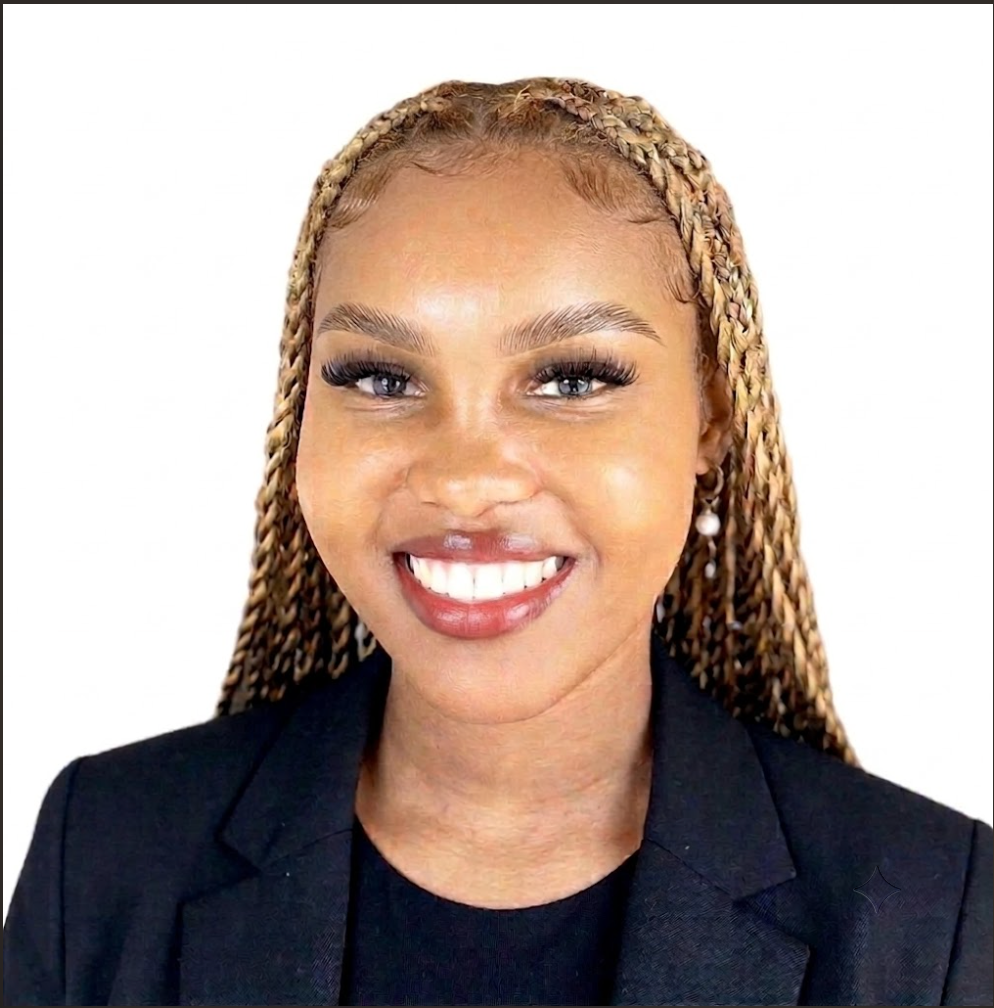
Lerato Kgonoti
Founder and Director, Claro Builds
Lerato Kgonoti is the founder and director of Claro Builds, an operations and AI consultancy helping small and medium-sized service businesses implement automation, integrate AI into their daily operations and equip their teams with the practical skills to keep up with an increasingly automated world. Lerato founded Claro Builds on the belief that AI should be accessible, practical and human, not a privilege reserved for large enterprises, but a genuine advantage available to every service business ready to use it. Through builds, audits and private workshops, Claro Builds closes the gap between where small businesses operate today and where they need to be.
Related Articles
Industry Spotlights: Where Automation Actually Pays Off Across the Industries We Serve
Claro Builds isn't restricted to one sector, but a pattern shows up after enough projects: certain operational bottlenecks repeat inside certain industries. Here's what the Assess stage typically finds across the eight industries where the fit is strongest.
What Recruitment Agencies Should Automate First
Most recruitment firms cap their active job postings without realising it. The limit isn't headcount, it's the hours recruiters lose to manual outreach and CRM admin. Here's what to automate first, and what one UK firm's numbers looked like after fixing it.
Operations Automation for E-Commerce Businesses
High-volume customer support and manual bulk payouts are the two operational bottlenecks that quietly cost e-commerce businesses the most. Here is what a proper fix looks like for each, drawn from real builds.